🤔 Why Choosing the Right Tool Matters in Apparel Production
In custom apparel production, miscommunication leads to wrong samples, shipment delays, and damaged relationships. Choosing the right tool—or a smart combination—helps keep things traceable, organised, and efficient.
📢 Buyer quote: “We sent fabric approval via WhatsApp, but they missed it. Now we always confirm final specs via email, no exceptions.”
📖 Related: How to Work with a Clothing Manufacturer Effectively?
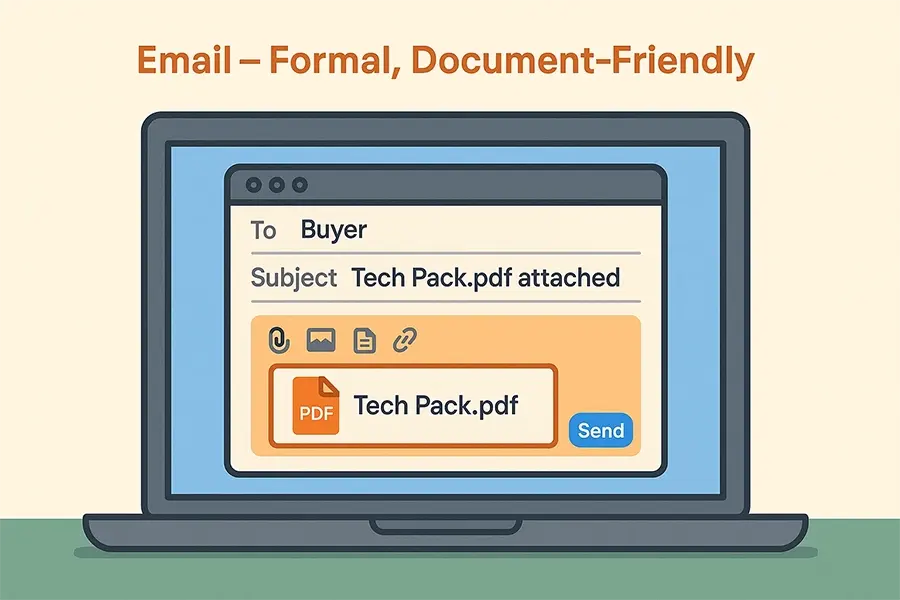
📧 Tool 1: Email – Best for Formal & Traceable Instructions
Email is ideal for:
✅ Sending tech packs, order confirmations, bulk approvals
✅ Recording key decisions
✅ Sharing structured information with attachments
Tips:
- Use clear subject lines: Hoodie Style 241 – Sample Feedback Round 1
- Always summarise the next steps at the end of your email
- CC relevant team members if needed
Limitations:
- Slower replies, especially with time zones
- Threads can become messy if used for chat-like discussions
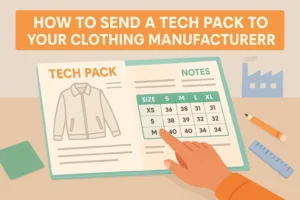
📖 Related: How to Send a Tech Pack to Your Clothing Manufacturer?
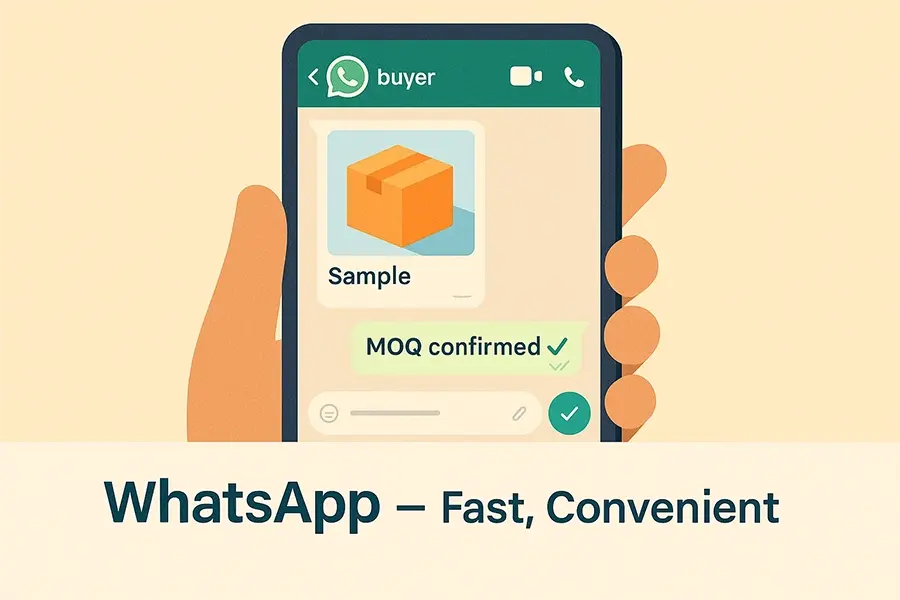
💬 Tool 2: WhatsApp – Best for Quick Replies & Visual Sharing
WhatsApp (or WeChat) is great for:
✅ Real-time updates
✅ Sharing photos and videos of samples
✅ Quick daily communication with factory contacts
Tips:
- Keep formal decisions in email
- Number your messages or use bullet points to avoid confusion
- Use voice notes only when needed—files are easier to reference
Limitations:
- Information gets buried in long chats
- Not ideal for tracking multiple projects or approvals
- Not always suitable for teams with multiple contacts
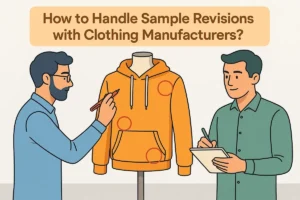
📖 Related: How to Handle Sample Revisions with Clothing Manufacturers?
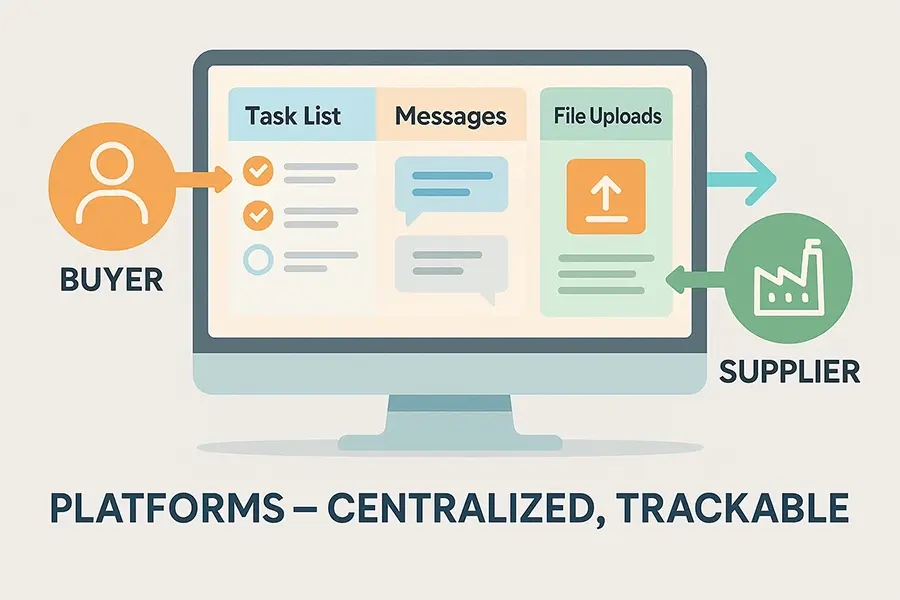
📋 Tool 3: Project Platforms – Best for Multi-Style Coordination
Tools like Trello, ClickUp, Notion, or Airtable are powerful for tracking:
✅ Multiple styles, timelines, and versions
✅ Sample revisions, approvals, deadlines
✅ Status updates across internal + external teams
Recommended Setup:
- Each card = 1 style
- Checklist = sample stages (tech pack sent, sample made, feedback sent, approved)
- Attachment = current file version
Limitations:
- Factories may not use these tools
- Requires onboarding or assistance from your side
- More useful for internal management
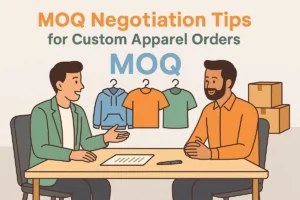
📖 Related: MOQ Negotiation Tips for Custom Apparel Orders
📊 Side-by-Side Tool Comparison Table
🔀 How We Recommend Mixing Tools (By Buyer Type)
📩 Call to Action
Want to streamline your factory communication process?
🎁 Download our Factory Communication Checklist and Trello Template for Sample Tracking.
📧 Request Now
🙋♀️ FAQs: Communicating with Your Garment Factory