🧠 What Is a Tech Pack (And Why It Matters)?
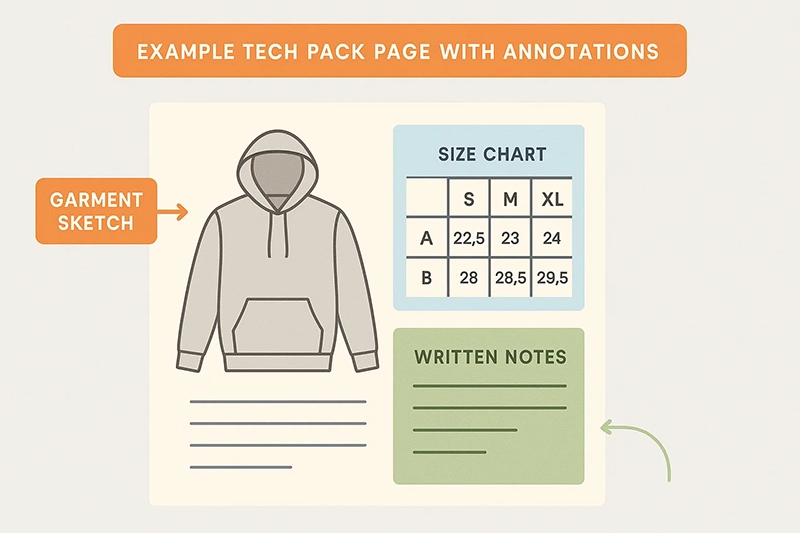
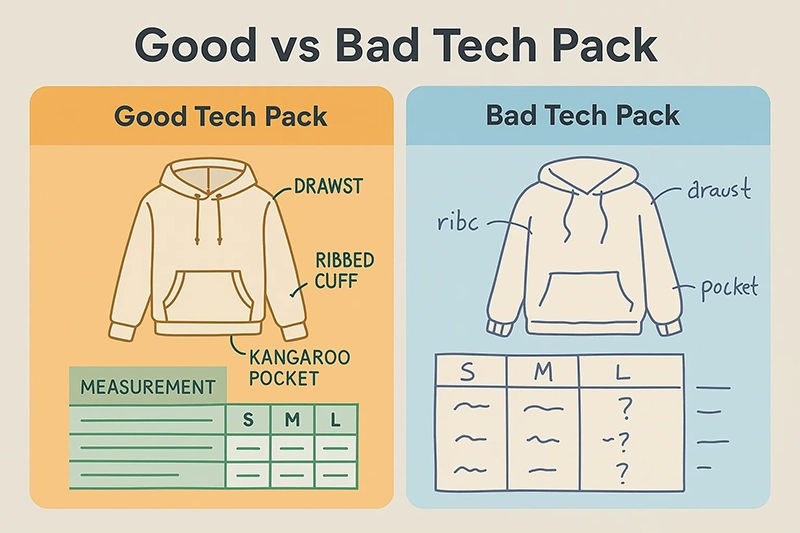
A tech pack (technical package) is a detailed document that explains how your garment should be made. It includes specs, sketches, materials, sizing, trims, and more.
From a manufacturer’s perspective, it’s your blueprint. Without one, they’re left to guess—and that leads to errors, delays, and misaligned expectations.
📢 Buyer quote: “We sent reference photos, but the hoodie sample came back completely wrong. Now we know why factories insist on a tech pack.”
📖 Related: How to Work with a Clothing Manufacturer Effectively?
📄 Core Components of a Professional Tech Pack
A complete tech pack should include the following:
1. Cover Page with Style Info
Start with your brand name, style code, product name, and target season. Include a clear image of the product (line art or reference photo).
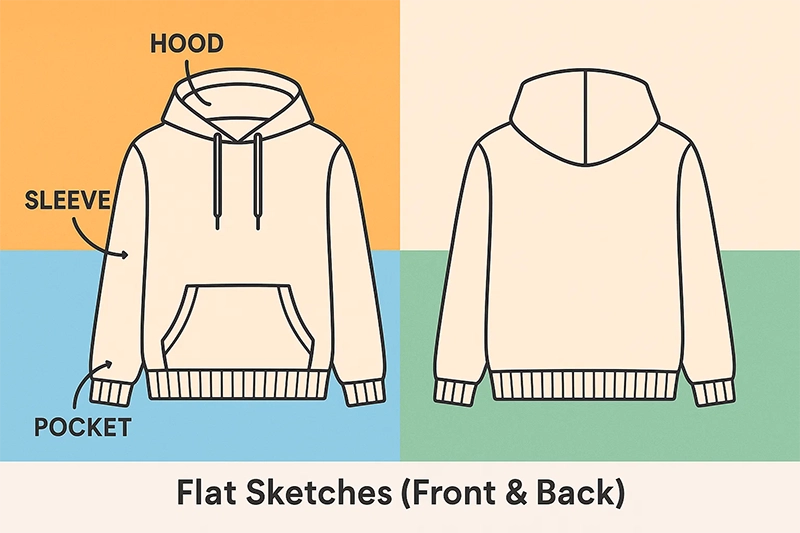
2. Technical Flats or Sketches
Show front and back views of the garment. These drawings should be detailed but easy to interpret by a pattern maker. Use arrows, labels, and color markers.
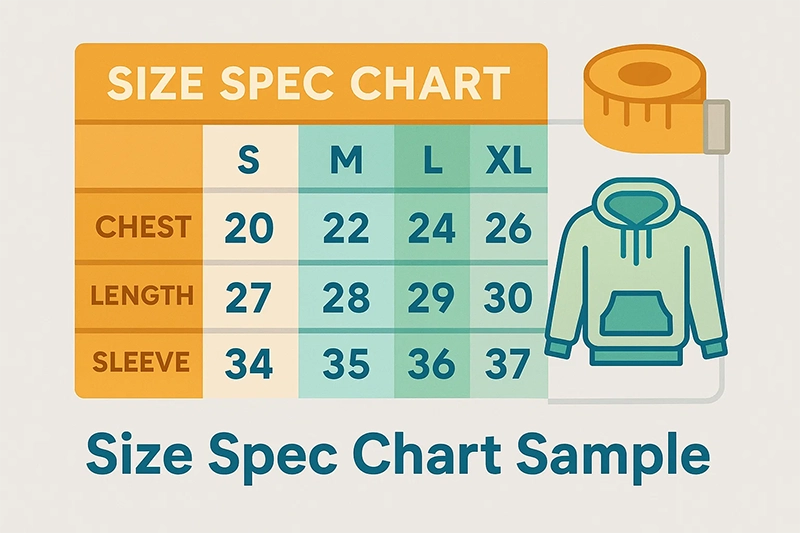
3. Measurement Specs & Size Chart
List key measurements for each size (S, M, L, etc.) with tolerances. Use a consistent measurement unit (inches/cm) and highlight points of measurement (POMs).
4. BOM (Bill of Materials)
Break down all materials needed:
- Main fabric (weight, composition)
- Lining
- Zippers, buttons, cords
- Labels, hangtags, patches
5. Labeling & Branding Details
Include artwork for woven labels, neck prints, care tags, and brand logos. Clarify placements with images or layout guides.
6. Construction & Stitching Notes
Explain how parts are assembled: seam types, hem finishes, topstitching, etc. Factories will refer to this during pattern cutting and sewing.
💻 File Format, Versioning & Best Practices
✅ Best Practice:
- Name files clearly: Hoodie_V1_2025_Q1.pdf
- Keep a changelog: V1 = initial sample, V2 = feedback revisions, etc.
- Avoid sending 10+ image attachments—use one compiled doc whenever possible.
📤 How to Submit Your Tech Pack to the Factory
There’s no single correct way—but the goal is clarity and confirmation.
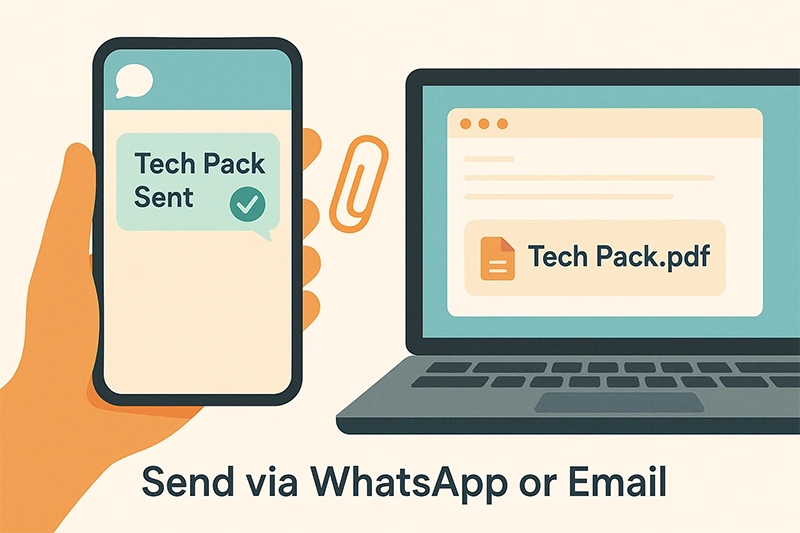
✅ Email your factory contact with the full tech pack attached
✅ Include a short message: order quantity, target lead time, questions
✅ Follow up with WhatsApp if needed (but keep approvals in writing)
✅ Confirm receipt and agreement on specs before sampling starts
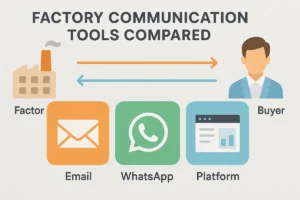
📖 Related: Factory Communication Tools Compared: Email, WhatsApp, or Platforms?
❌ Common Mistakes to Avoid (and How to Fix Them)
Mistake Problem: It Causes a Better Approach